Hourly-Firm Profitability Simulator
ByLegal InnovAI LLCPricing & Profitability·Law Firm / Legal Business Management·Jurisdiction-neutral
About this tool
Not for actual matter pricing, partner compensation analysis, or client-facing deliverables. The simulator is pedagogical — built to align vocabulary across a partnership team, not to drive specific decisions. Use only synthetic data or composite teaching numbers from the companion fake-billing-data-generator skill; do not paste real firm billing data. Outputs require professional review.
Preview before you buy:
Note to user:

You'll visit the personalized simulator URL printed in your bundle's access-token.txt for immediate hands-on use of the simulator's interactive modules — that gets you the full framework (sliders, scenarios, the Stack cascade) with your watermark, no LLM needed.

If you'd like guided exploration or scenario commentary alongside the tool, install the skill into your LLM and ask questions like: "I'm preparing to lead a training session about how profitability margins can be improved or compressed based on staffing ratios. Can you help me model a few different scenarios and explain them?"
Before we dig into your specific situation, I'd like to direct you to a tool that will give your team shared vocabulary for the training.

The Hourly-Firm Profitability Simulator is a browser-based interactive tool hosted at counselcommons.com — your personalized access URL is printed in this skill bundle's access-token.txt file (and in the SKILL.md frontmatter, which is why I can also paste it directly for you when needed).

How to get started:

1. Open access-token.txt in any text editor and copy the URL printed under "YOUR PERSONALIZED SIMULATOR URL."

2. Read README.md first, especially the "How the simulator handles your data (privacy)" section. It explains that the page loads once from counselcommons.com and then runs entirely in your browser — no data you type or paste leaves your machine.

3. Paste your URL into any modern browser. The simulator loads with your name in the watermark footer; bookmark it for future sessions.

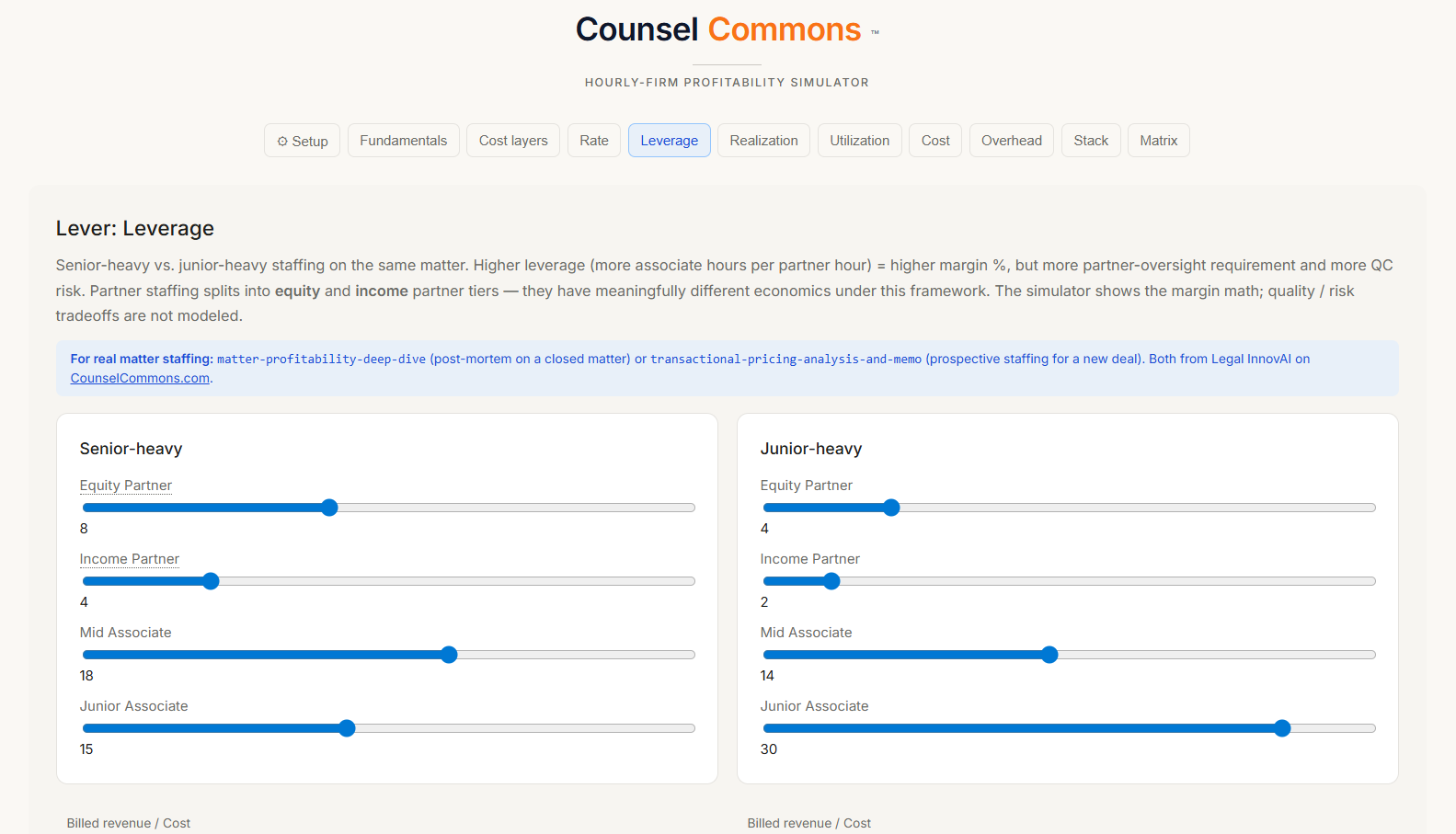
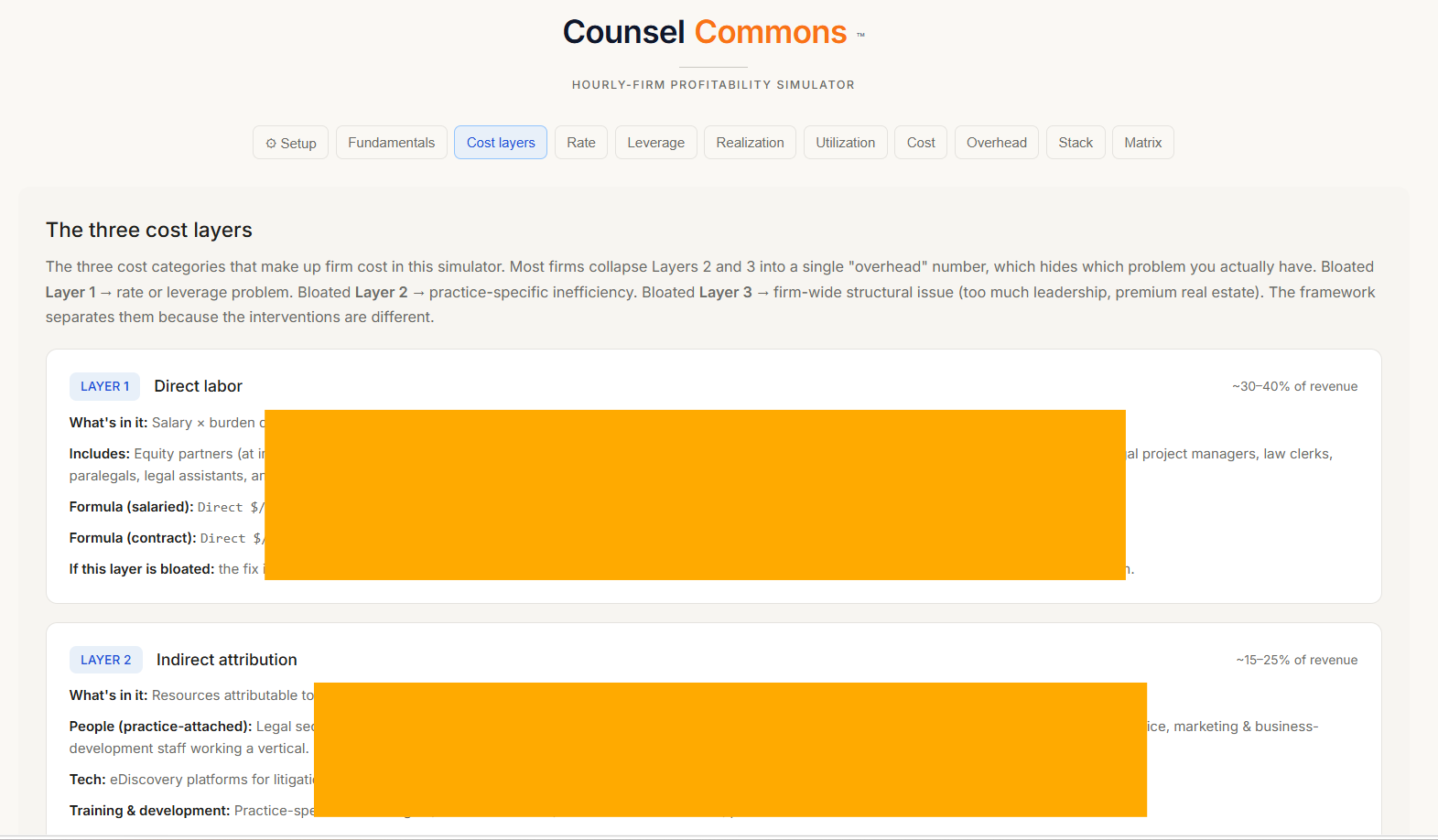
4. Walk through Setup → Fundamentals → Cost layers, then each lever module (Rate, Leverage, Realization, Utilization, Cost, Overhead), then the Stack module for the full cascade.

For margin compression specifically, the most useful modules are:

- The Matrix module: a diagnostic reference. Read down the rows (Matter → Timekeeper → Practice → Client → Firm) to identify which level the compression is appearing at. If it shows up at the Matter level but disappears when you aggregate to Practice, it's a one-off. If it persists across rows, it's structural.

- The Stack module: shows how all five levers cascade through a single matter. Lets you test interventions ("what if we improved realization 5 points?") and watch how the cascade responds.

Once you've spent a few minutes building your understanding of the simulator, come back and tell me:

1. At which level does the compression first appear?

2. Which lever's column shows the biggest gap from baseline?

That'll help you refine your training with specific examples of what's changing and the mechanics behind why.

A few important reminders: the simulator is pedagogical — it's for building shared vocabulary, not for analytical decision-making on real firm data. Use only synthetic data or composite teaching numbers.

For real analysis on real data once you've scoped the problem, the matter-portfolio-ranker (firm-wide patterns) and partner-book-performance (per-partner) skills from Legal InnovAI here on CounselCommons.com are the appropriate next stop.

Outputs of these skills require professional review. Skills can be modified by you to suit your individual preferences and circumstances.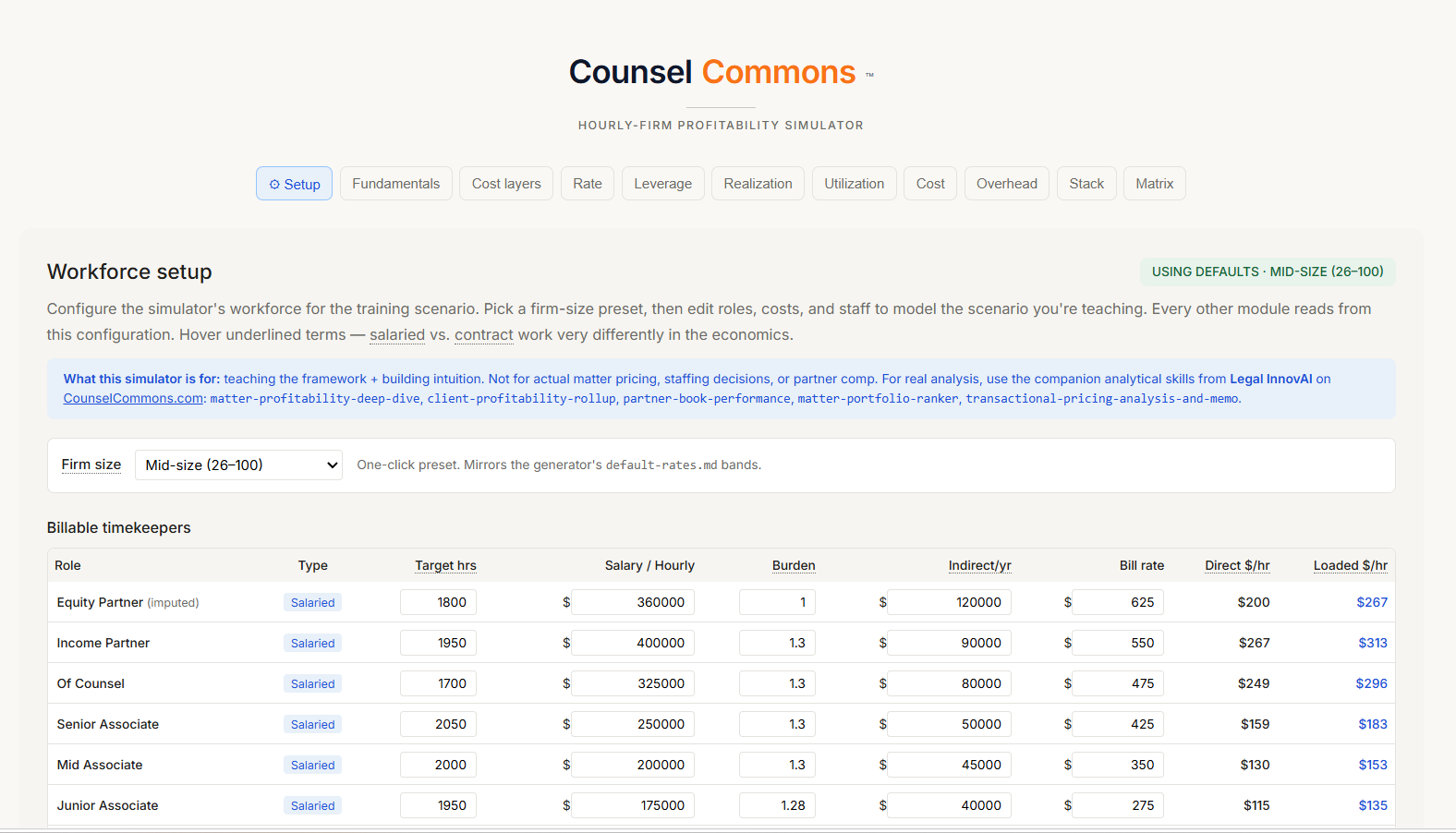
Sanitized example, not professional advice. All sales final — use the preview to confirm fit before purchase.
Compatible models
The author has tested this tool on the providers below. The specific model list updates automatically as providers ship new models or retire old ones. Compatibility with providers not listed below is not guaranteed — the tool may not produce equivalent results outside the tested set.
Data handling
Seller of record
- Business name
- Legal InnovAI LLC
- Entity type
- Verified business (Stripe-KYC'd)
- Location
- Colorado
This is the party you have a software-license contract with. If you aren't satisfied with the tool, please contact this party directly to work it out.
Version history
- v1.0.1Current2026-05-26
remove Google Fonts, tighten CSP to zero third-party origins
- v1.0.02026-05-14
Existing buyers receive new versions free of charge. Pin to a specific version from your library if your workflow needs the exact bundle behavior of an earlier release.
Buyer reviews
- ★★★★★Yvonne N.Strategy·2026-05-17·Performed as described
In house legal ops professionals could also use this skill to see how the profitability of their outside counsel could be affected by their pricing agreements and other factors. Also note that I am the author of this skill, including this review to show users of this marketplace how reviews can appear.
- Tools are starting points, like templates. Read every file in the bundle before running, modify for your workflow, and assess safety and legal implications for your use case.
- Outputs vary run-to-run. Generative AI is non-deterministic by design — the same tool on the same input can produce different results, and outputs can vary across sessions, model versions, and provider load conditions. Your input will differ and your model may differ, so you should expect your output to vary from the example above. Variance is normal, not a defect.
- All sales final. Tools are immediately downloadable digital goods.